Finding the matching category
You have to look up, product by product, which N11 category each one belongs to.
Pick a category; Entegi checks the products against the rules of N11 and you send the ready ones in a single run.
7 days free, no credit card required

Preparing the products is not the slow part. Getting every product into the shape N11 expects is.
You have to look up, product by product, which N11 category each one belongs to.
The marketplace makes certain attributes mandatory in some categories. An empty one keeps the product from being sent.
Your brand and variant values have to match their counterparts on the marketplace.
When a missing image or a zero price is noticed only after the send, the same work is done again.
The Toplu Gönder (bulk send) page under Toplu İşlemler has three steps. This is what you do once your N11 account is connected and your products are in the panel.
Only connected marketplaces with sending switched on are listed. If N11 is missing, turn on the “Durum” and “Ürünleri Gönder” switches in the N11 form under Tercihler.
Tick one or more of the XML source, category, brand and tag boxes. You can also select the whole catalogue. Then run the check.
Entegi checks the selected products against the rules of N11 and shows how many are ready. You send the ready ones; the send runs in the background.
7 days free, no credit card required
Category mappings are completed before products are sent; this decides which N11 category a product goes to. You bulk send the products whose mapping is complete.
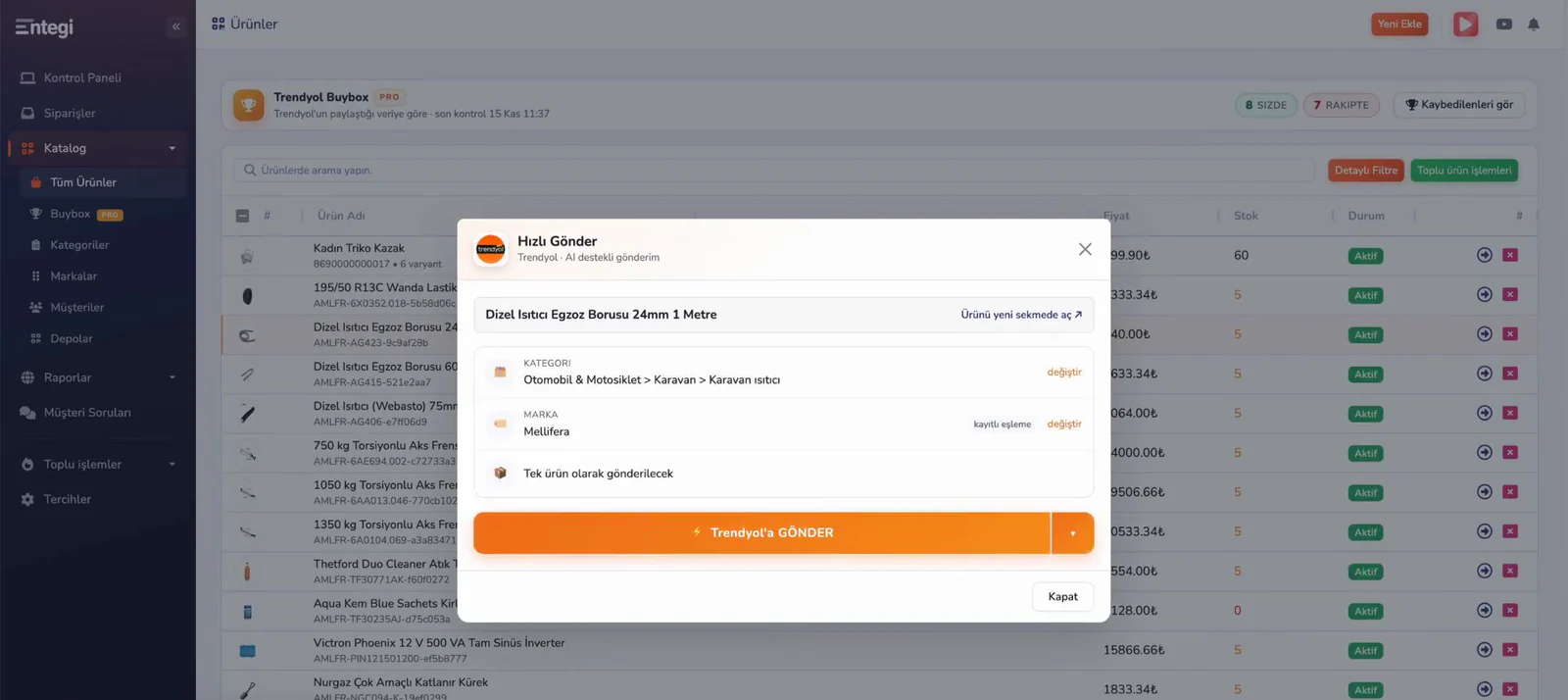
The check result tells you which product is waiting and why, before anything is sent.
The check result shows how many products are ready to send. The rest wait until their gaps are fixed; you can send the ready ones without waiting.
The reason a product is waiting is written in the warnings under the check result. After fixing the gap you run the check again and send the remaining products.
The report shows how many products were checked, sent and failed. Earlier sends are under the Gönderim Geçmişi (send history) tab, where failed products are listed with their reasons.
Your products are stored once in the panel. The bulk send page lists your connected marketplaces with sending switched on; for another marketplace you select its card.
Leave your name and phone number and we will call you to answer your questions about bulk sending to N11.
If you would rather not wait, call us:+90 (216) 599 1500
Connect your N11 account, pick a category and read the check result.
7 days free, no credit card required